Every project here exists to help more people show up.
The Civic Action Project (CAP)
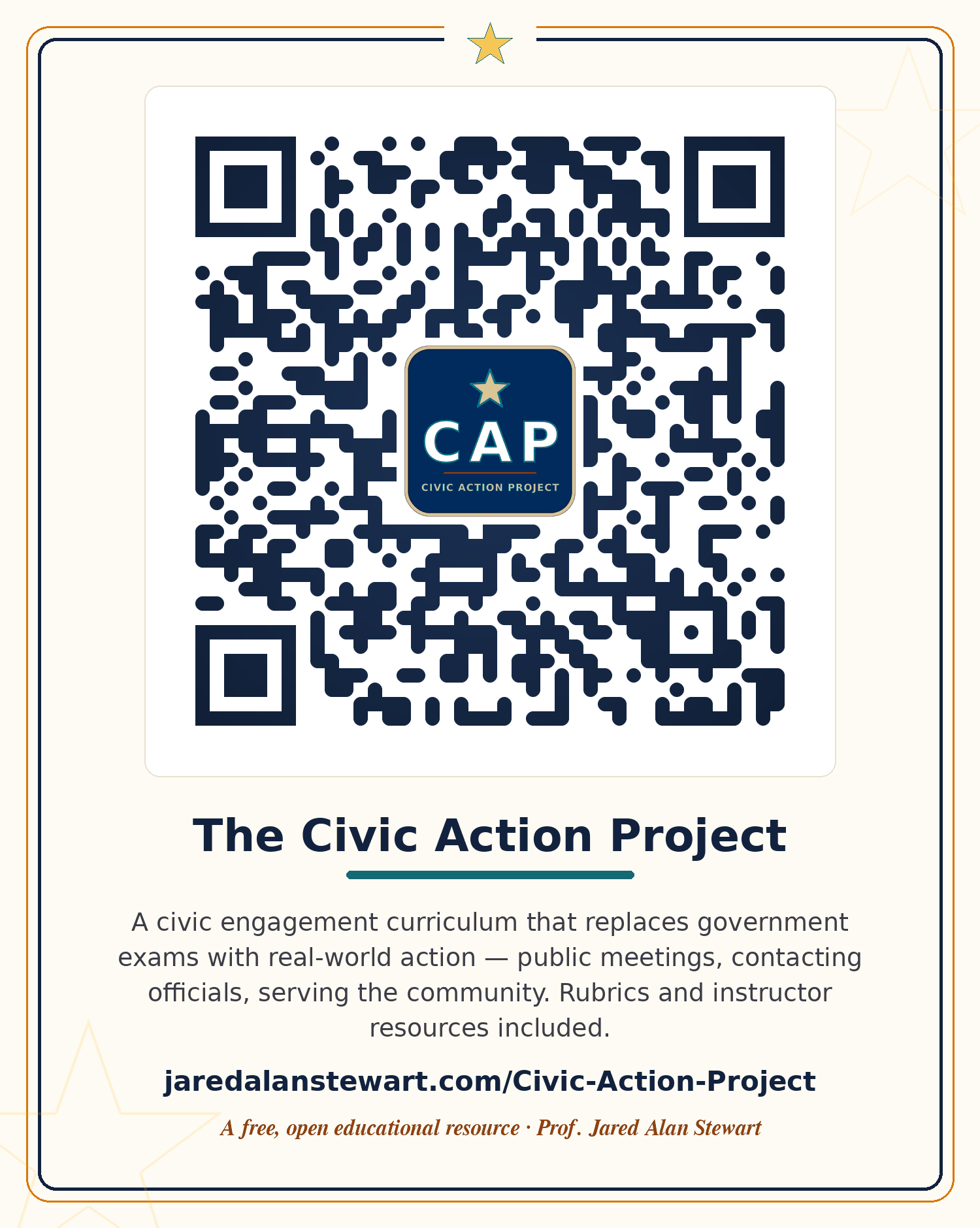
My signature framework — and the subject of my ongoing classroom research. CAP replaces traditional government exams with a menu of 39 hands-on civic engagement activities, from attending city council meetings to building public service directories. Includes complete instructor resources, rubrics, tracking tools, and student outcome data.
For Instructors Drop CAP into your LMS — about 30 minutes, start to finish
CAP runs entirely in the browser, so there's nothing to install and nothing for your IT department to approve. You're creating ordinary LMS assignments that point students at the activity menu. Here's the whole process:
- Skim the menu first. Open the CAP site and browse the 39 activities and the instructor resources — rubrics, tracking tools, and student outcome data are all included. Ten minutes of skimming will tell you which activity categories fit your course and your students.
- Pick your scope. CAP works as a full exam replacement, a single-unit project, or extra credit. If you're testing the waters, start with one category — Government Meeting Attendance is the most popular first pick, and the student stories on my home page show why.
- Create the assignment in your LMS. In Canvas, Blackboard, or Brightspace: new Assignment → paste the link to your chosen CAP activity in the description → set the submission type to text entry plus file upload, so students can attach photos, agendas, or documents alongside their written reflection. Set the point value to whatever the exam or assignment it replaces was worth. The stakes should feel real.
- Attach the rubric. Use the included CAP rubric as-is, or rebuild it in your LMS's rubric tool so it grades inside SpeedGrader (or your platform's equivalent).
- Make it yours. Everything is licensed for adaptation — swap my Fort Worth examples for your own city council, county commissioners, and school board. Local is the whole point.
Texas In Action (TIA)
The Lone Star counterpart to CAP — civic engagement built specifically for Texas Government (GOVT 2306). Students connect directly with the state and local institutions that shape daily life in Texas, from the Capitol in Austin to their own county courthouse.
For Instructors Drop TIA into your LMS — same setup, built for GOVT 2306
TIA is the Texas Government counterpart to CAP, and it adopts exactly the same way: browser-based, nothing to install, no IT approval needed. If you already run CAP, this will feel familiar. If you're starting here, the whole process takes about half an hour:
- Skim the menu first. Open the TIA site and browse the activities. They're built specifically around Texas institutions — the Legislature, the plural executive, county and municipal government — so students connect with the bodies that actually govern their daily lives in Texas. Ten minutes of skimming will tell you which activities map onto your GOVT 2306 units.
- Pick your scope. TIA works as a full exam replacement, a single-unit project, or extra credit. Contacting a state representative and attending a county commissioners court meeting are the two activities students find most eye-opening — both pair naturally with the Texas legislative and local-government units.
- Create the assignment in your LMS. In Canvas, Blackboard, or Brightspace: new Assignment → paste the link to your chosen TIA activity in the description → set the submission type to text entry plus file upload, so students can attach photos, agendas, or correspondence alongside their written reflection. Set the point value to whatever the exam or assignment it replaces was worth. The stakes should feel real.
- Attach the rubric. Use the included rubric as-is, or rebuild it in your LMS's rubric tool so it grades inside SpeedGrader (or your platform's equivalent).
- Make it local. Everything is licensed for adaptation — swap my Tarrant County and Fort Worth examples for your own county courthouse, city hall, and state legislative district. The closer to home, the better it lands.
Build Your Own Project-Based Assessment
A backwards-design walkthrough for instructors in any discipline — written for people who have never used AI to build course materials. Start from your learning goals, set the scope (exam replacement, standalone project, or extra credit) and the time window, and the page assembles a ready-to-paste AI prompt from your answers. Includes honest answers on grading load, FERPA, AI hallucination, academic integrity, and departmental pushback.
For Instructors Not in government? Build your own version — about an hour
CAP and TIA are built for government courses, but the underlying model is discipline-neutral: a menu of authentic activities, three effort tiers, a point target, checkpoints, and complete/incomplete rubrics. Nursing, business, biology, art history, and composition all translate cleanly. Here is the path:
- Look at a finished one first. Skim the CAP menu and rubrics to see what you are aiming at. Ten minutes with a working example is worth an hour of theory.
- Answer a short set of questions, learning goals first. The Build Your Own guide starts from true backwards design: your course learning outcomes or state objectives, then your students, the project's scope and time window, the grade weight, and your constraints. Rough answers are fine. This is the context that turns generic AI output into something that fits your real students.
- Let the page build your prompt. Type your answers in and it assembles a complete, staged prompt — adapted to your scope and time window — that you can paste into Claude, ChatGPT, or Copilot. Free versions work. Nothing you type is saved or sent anywhere — it stays in your browser.
- Work through the five stages. The prompt makes the AI stop and check in after each stage, so you approve the skeleton before it writes the menu, and the menu before it writes the rubrics. Expect to cut or rewrite about a third of what comes back. That is the process working, not failing.
- Run it once, then fix what breaks. Start with eight to twelve activities, not thirty-nine. My checkpoint pacing was wrong the first semester and a few activities drew no takers. Keep what worked and revise the rest.
Federal Government Trailblazer Trek
Sixteen gamified, interactive learning modules covering all of American federal government. Students earn points, unlock reveal cards, pass knowledge checks, and generate integrity-coded completion reports — entirely in the browser, with zero tracking.
For Instructors Adopt the Federal Trek — sixteen chapters, free on day one
The Federal Trek covers GOVT 2305 on the same engine as the Texas Trek: browser-based, nothing to install, no account, no cost. It adopts the same way, and you can start with a single chapter.
- Work through one chapter as a student would. Open the module index and click through a section. Chapter numbering follows OpenStax, which is why it runs 1 to 13 and then 15 to 17. State and local government is covered in the Texas Trek instead.
- Pick your scope. Use it as a full textbook replacement, as a supplement for specific units, or as make-up and extra-credit work. Every chapter is self-contained, so assigning four of them is just as workable as assigning all sixteen.
- Create the assignment in your LMS. New Assignment → paste the chapter link → set the submission type to file upload for the Completion Report PDF → set the point value to whatever it replaces. Students should submit the PDF rather than a screenshot. Only the PDF carries the integrity code.
- Verify submissions when you need to. The integrity verifier confirms a report has not been altered, and runs entirely in your browser with no student data uploaded. Full documentation lives in the instructor README.
- Warn students that progress is session-based. Each chapter takes 45 to 60 minutes and should be completed in one sitting. Saying so in the assignment description prevents most of the email you would otherwise get.
Texas Government Trailblazer Trek
Eighteen interactive modules on the same engine, rebuilt for Texas government — the Texas Constitution, the Legislature, the plural executive, local government, civil liberties and civil rights, energy and water, and the state bureaucracy. Adds written reflection checkpoints so students connect each chapter to their own communities.
For Instructors Adopt the Texas Trek — slides, a test bank, and published outcome alignment
The Trek is a full GOVT 2306 course replacement, but you do not have to treat it that way. Everything below is licensed CC BY 4.0, so you can take one chapter, take only the ancillaries, or replace your textbook outright. Your students pay nothing on day one, with no access code and no account.
- Click through one chapter first. Open the module index and work through a single section as a student would. Five minutes will tell you whether the pacing, tone, and depth fit your course better than any description will.
- Check the outcome alignment. Every chapter is mapped to the THECB ACGM outcomes for GOVT 2306, to the Core Objectives, and to Education Code §51.301 and the SB 1 civil-rights content, with coverage evidence for each chapter. The alignment matrix is public, so your curriculum committee can verify the claim instead of taking anyone's word for it.
- Take the slides and the test bank. Editable PowerPoint decks carry speaker notes on every slide with timing, board work, common student misconceptions, and built-in discussion questions. The 471-item test bank separates items students have never seen from items drawn from the modules, and ships as Canvas-importable QTI. Grab both from the Instructor Resources page, even if you keep your current textbook.
- Create the assignment in your LMS. New Assignment → paste the chapter link in the description → set the submission type to file upload, since students submit an integrity-coded Completion Report PDF. Set the point value to whatever the assignment it replaces was worth. Tell students to submit the PDF rather than a screenshot. Only the PDF carries the code you use to verify the work, and there is a browser-based verifier on the instructor page.
- Warn students that progress is session-based. Each chapter runs 45 to 60 minutes and should be finished in one sitting. This one line in your assignment description prevents the single most common source of student email.
Keep Your Seat — Texas State Senate Simulation
Students serve as Texas State Senators, navigating committee assignments, floor votes, party pressure, and constituent demands — and discover firsthand why governing means making trade-offs. Built for the classroom: project it, play it, debrief it.
Course Schedule Builder
A flexible, browser-based tool for building and distributing course schedules — designed for department chairs and lead instructors who need clean, consistent schedules without wrestling with spreadsheets.
The Full Games & Simulations Library
The complete collection: congressional and presidential primary simulations, crossword generators, Texas Jeopardy, Wheel of Fortune review games, and more. Ten-plus activities for American and Texas government courses, all free and browser-based.
Take it with you
Print-ready QR cards for syllabi, conference tables, and handout materials. Scan one now — or download, print, and share. That's the whole point of open resources.